
The source section allows you to select the input signal connection type, and related settings.
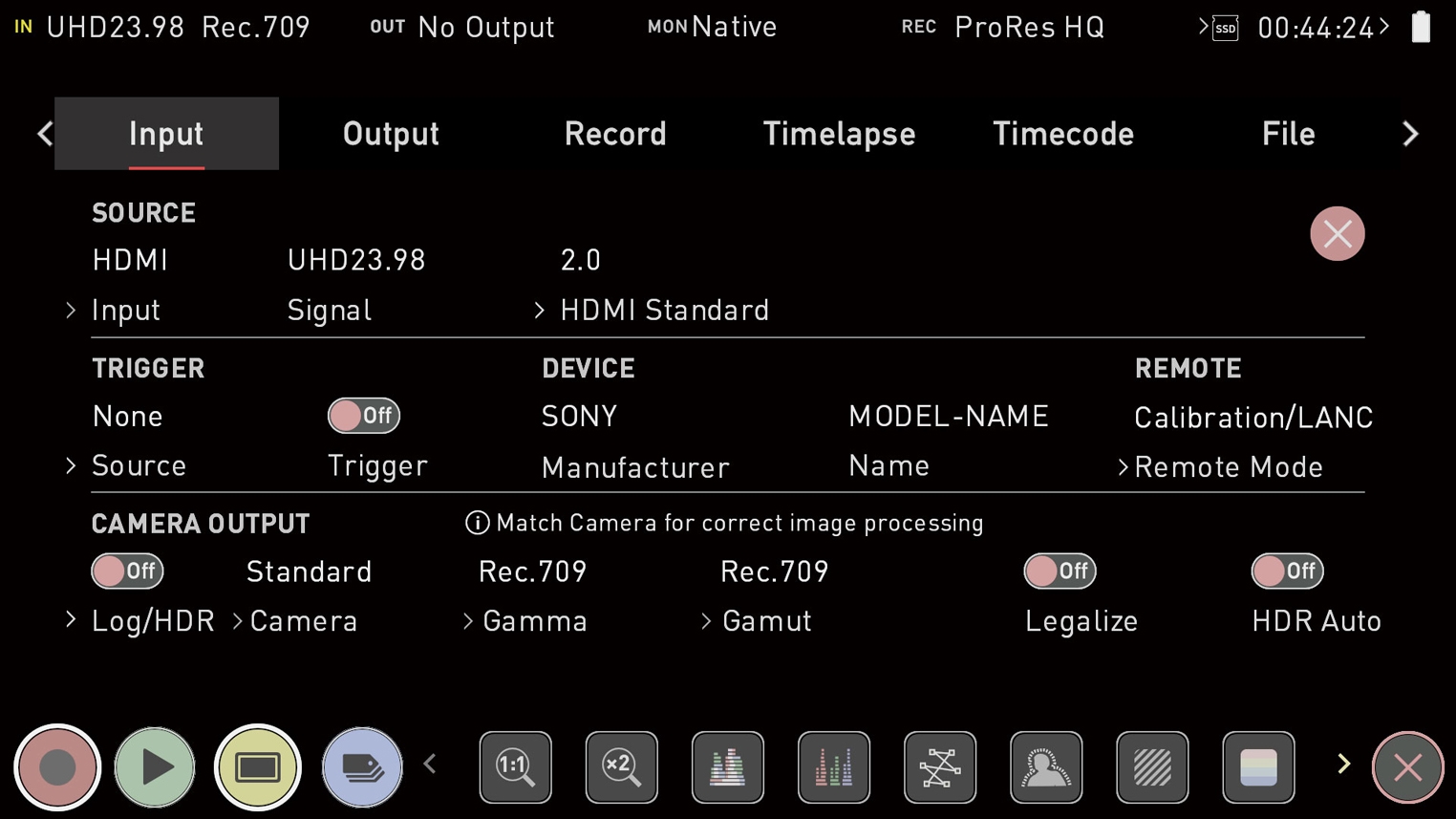
Input
When you have an AtomX SDI module or ATOMOS CONNECT attached to your NINJA V, you will be able to tap on Input to switch between HDMI and SDI inputs. For more information refer to Mode and Compatibility Mode (SDI)
You can only switch from HDMI input to SDI input when the AtomX SDI Expansion Module or ATOMOS CONNECT is connected to your NINJA V.
Signal
The resolution and frame rate of the selected input source is displayed. No Input will be displayed when there is no input connected.
HDMI Standard
When connected to an HDMI source, tap on HDMI Standard to toggle between the following:
- Compatibility Mode
- HDMI 1.4
- HDMI 2.0
Compatibility Mode (HDMI)
This mode improves the signal locking process when working with HDMI signals from most of cameras in YCC and HDMI RAW. After selecting compatibility mode, remove and re-insert the HDMI cable to the camera.
Compatibility mode should be enabled when recording from a Z CAM E2 series camera via HDMI, for all frame rates and resolutions in ProRes, DNx and ProRes RAW. It should also be enabled when recording video from a Canon 1DX MIII via HDMI, in 4Kp50 and 4Kp60 modes in ProRes and DNx.
Compatibility mode is generally recommended. HDMI 2.0 is only recommended for limited devices which doesn't lock stably with Compatibility
Comments
0 comments
Please sign in to leave a comment.